BusyishBee.com
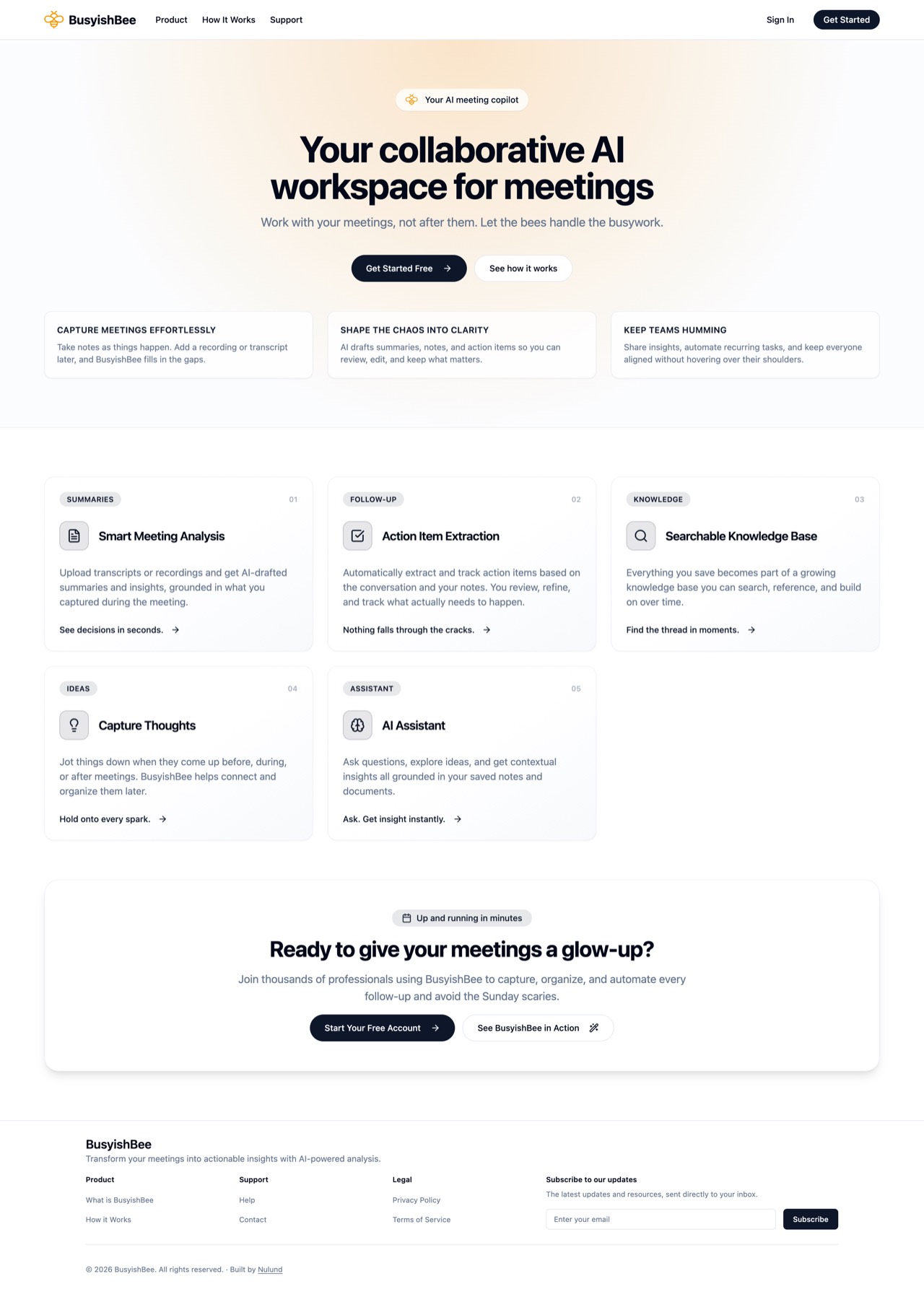
An AI intern for the small stuff. Work with your meetings, not after them.
Most productivity tools assume AI should do the work for you. This one starts somewhere else. You know what matters, the AI just needs to pay better attention.
Problem
My problem was not getting a transcript. It was keeping my own thinking intact while letting AI fill in what I missed and answer only from the material I gave it.
My role
I defined the product thesis, designed its rules for human and AI authorship, built the application and retrieval pipeline, and ran the private beta.
Scope
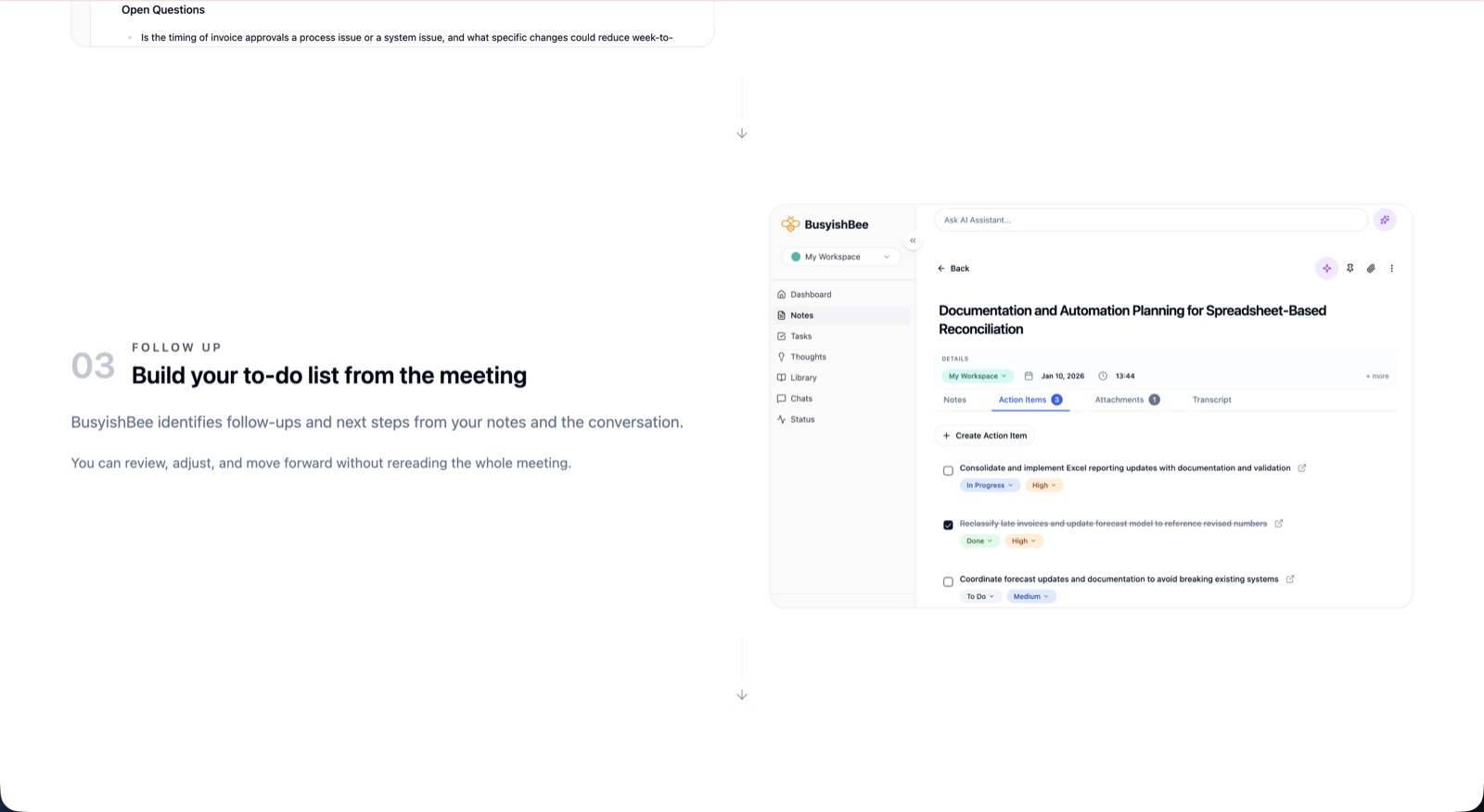
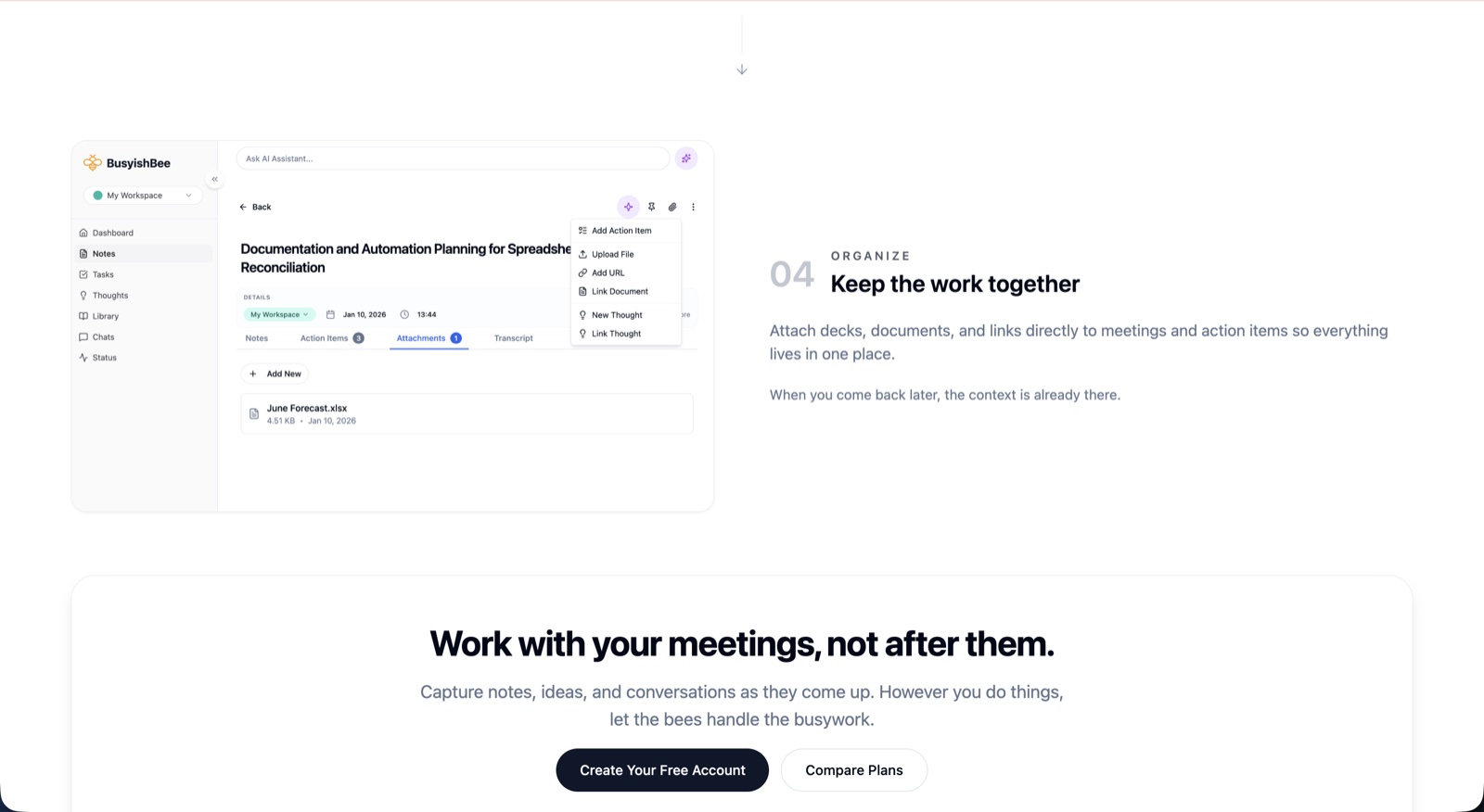
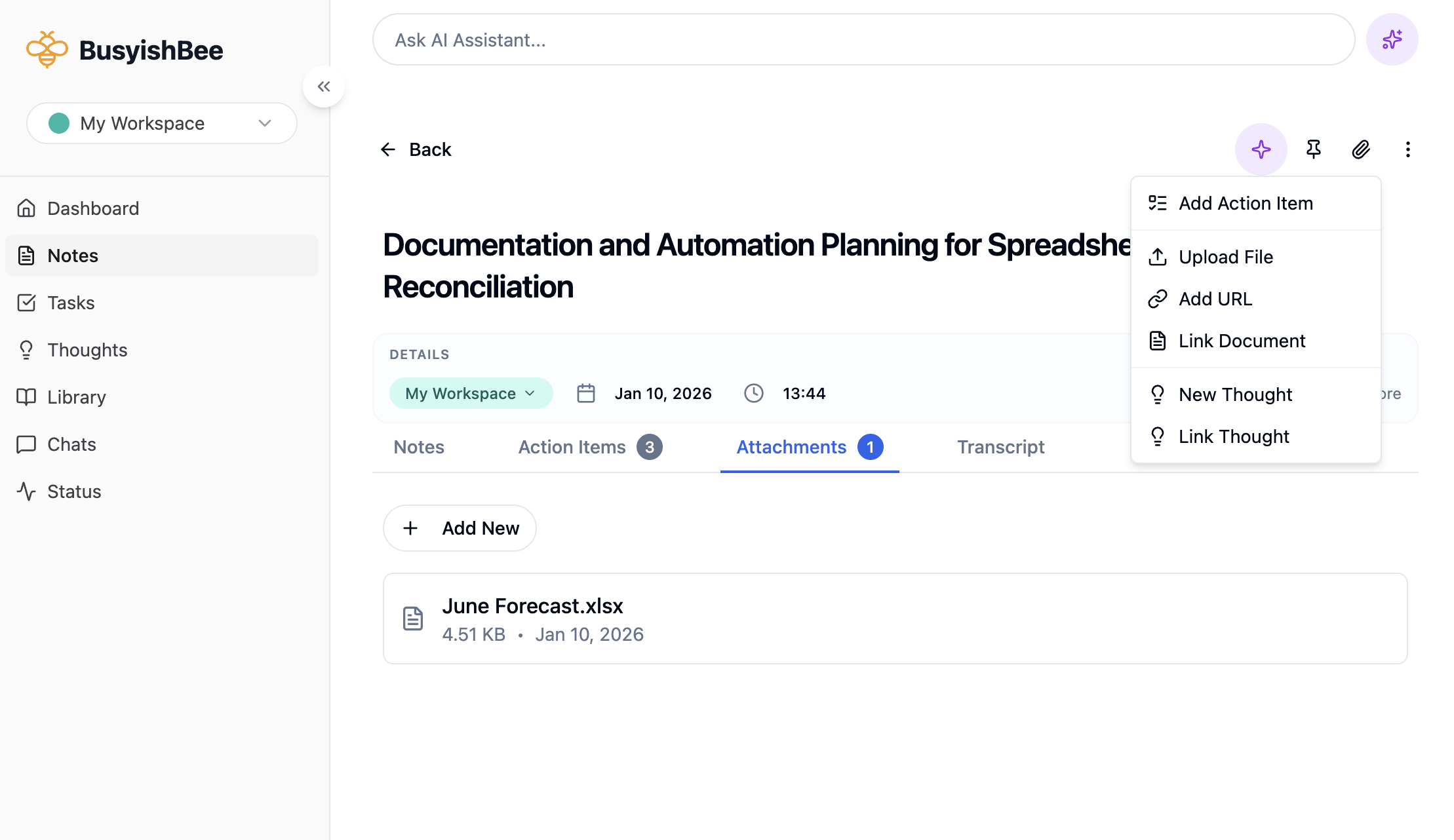
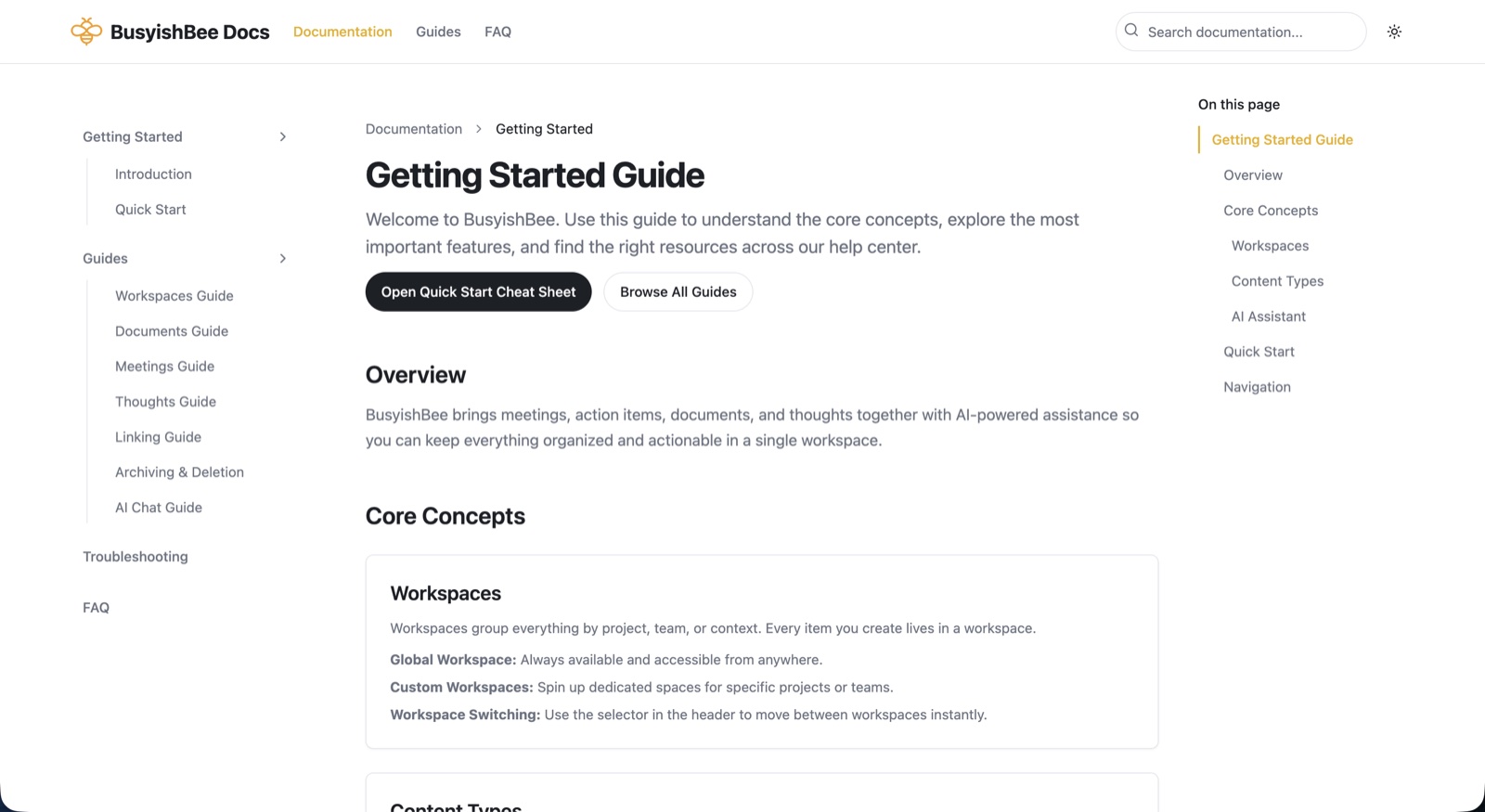
Five capture paths feeding one grounded workspace across notes, transcripts, documents, and tasks. Answers link back to their source.
What changed
I removed the original recording flow and rebuilt the pipeline for reliability. The product thesis changed too: the defensible part was the workspace and its boundaries, not a homegrown agent.
What this demonstrates
I can separate durable product value from the technically impressive part, including when that means removing work I already built.
More time on the tricky questions, less time managing the to-do list.
The work that drains a day is rarely the work that matters. The meeting you half remember, the decision buried three messages deep, the action item that quietly evaporates. None of it is hard, it just eats the hours that should have gone to the part that is.
I’ve been paying for AI tools since the first month it was possible and I use them every day. That’s enough time to know what they’re good at, and where they’ll hand you something wrong and sound sure about it.
Every feature here started as one of those. Something it does well that I wanted more of, or something it does badly that I got tired of working around.
It says too much
I’d get a response, like one paragraph of it, riff on that, and four messages later the part I wanted was buried under slop I had to wade back through to find. Now you highlight anything worth keeping and add it to a canvas. Everything you’ve kept from across the whole conversation collects in one place and you rewrite from there. The AI can add to a canvas. It cannot touch a word you wrote.
It overwrites what you wrote
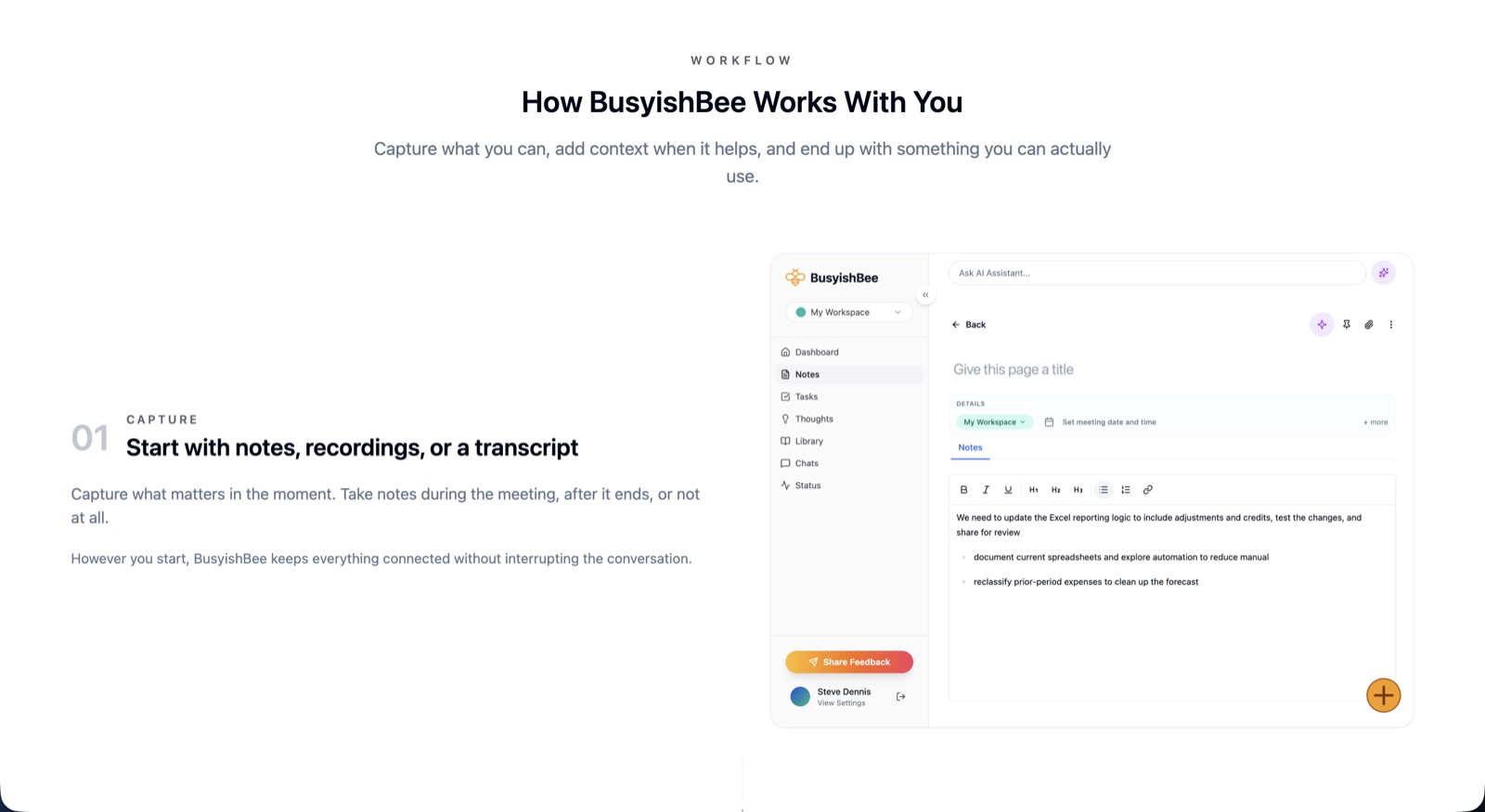
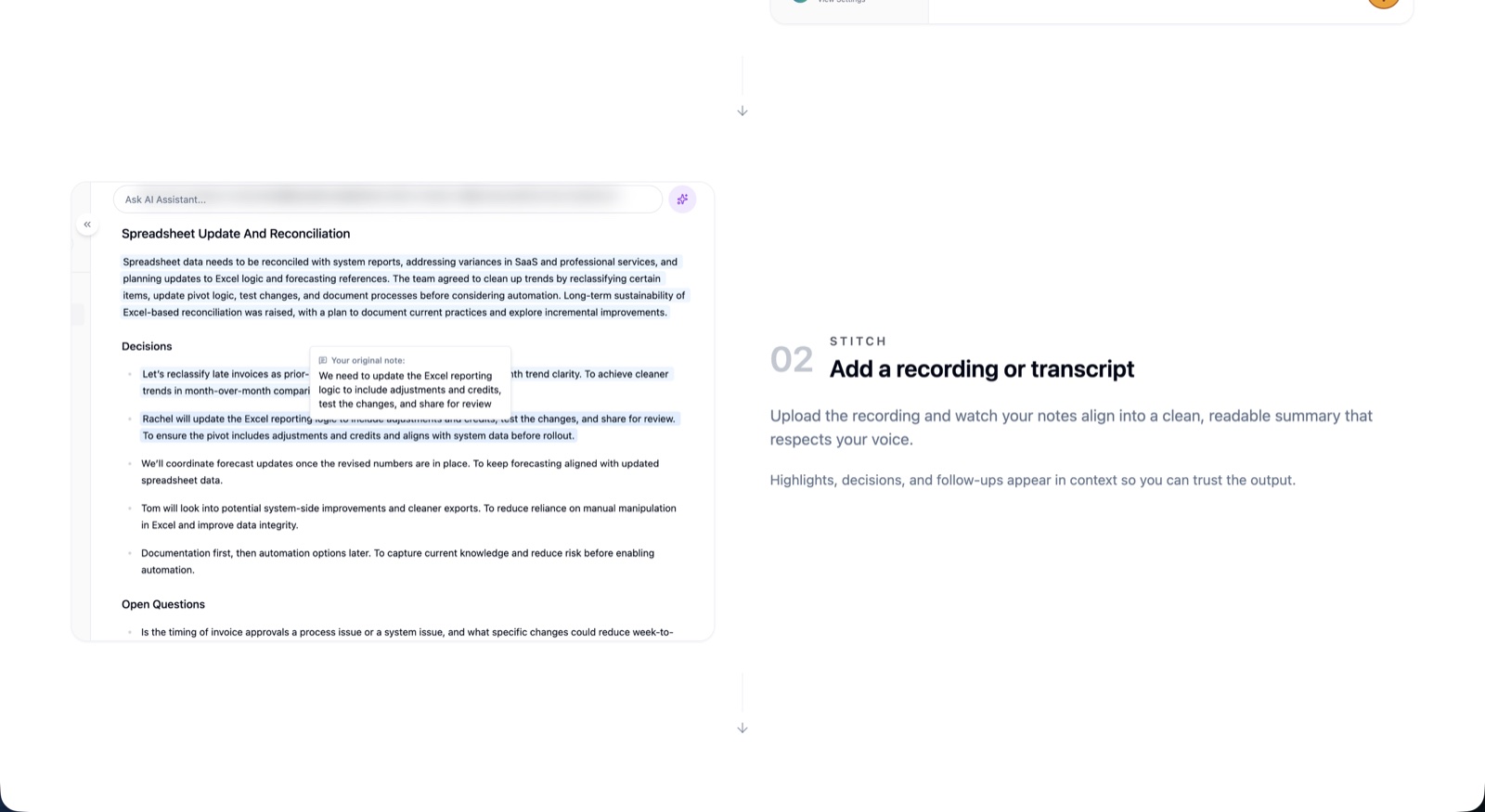
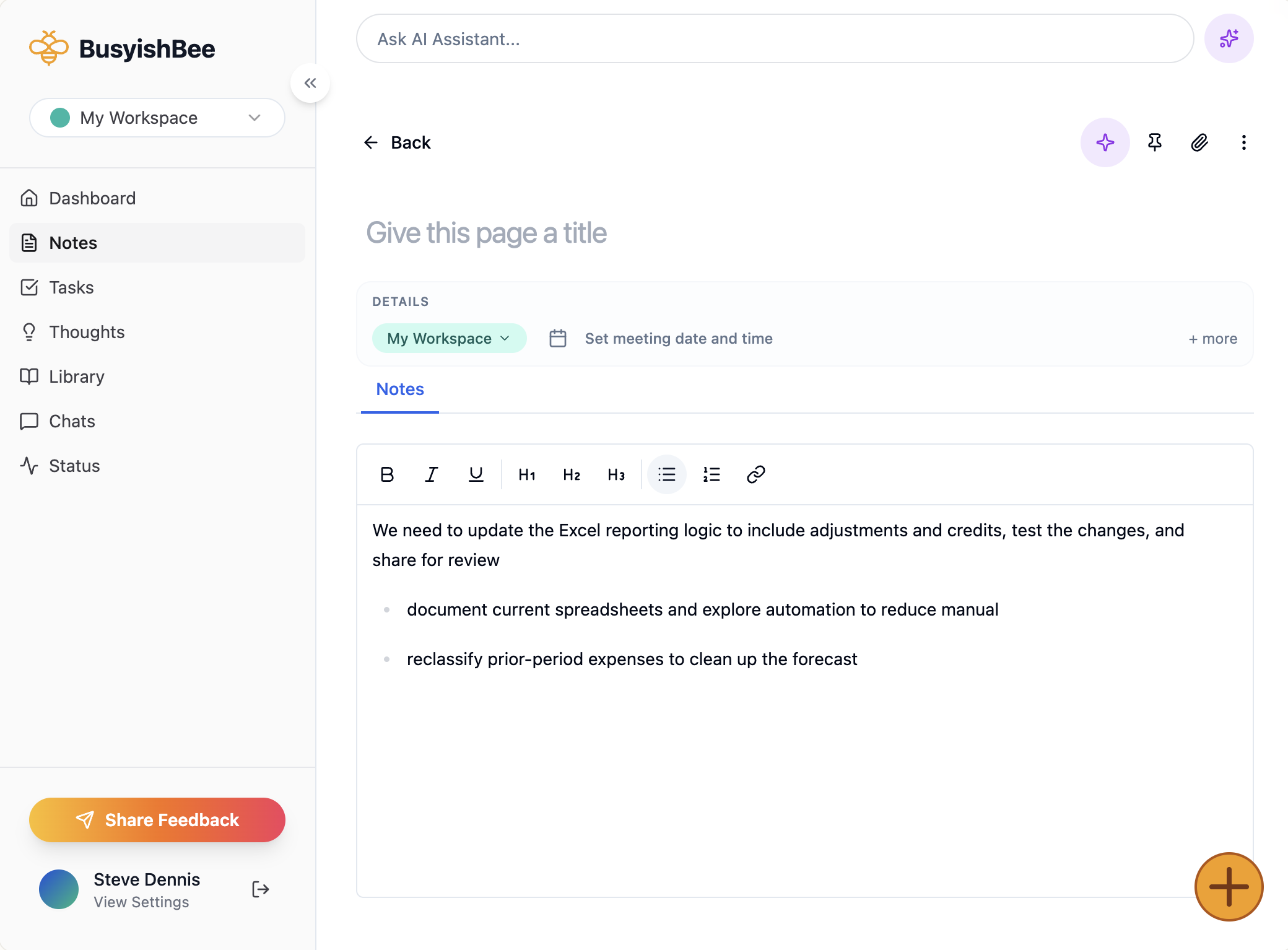
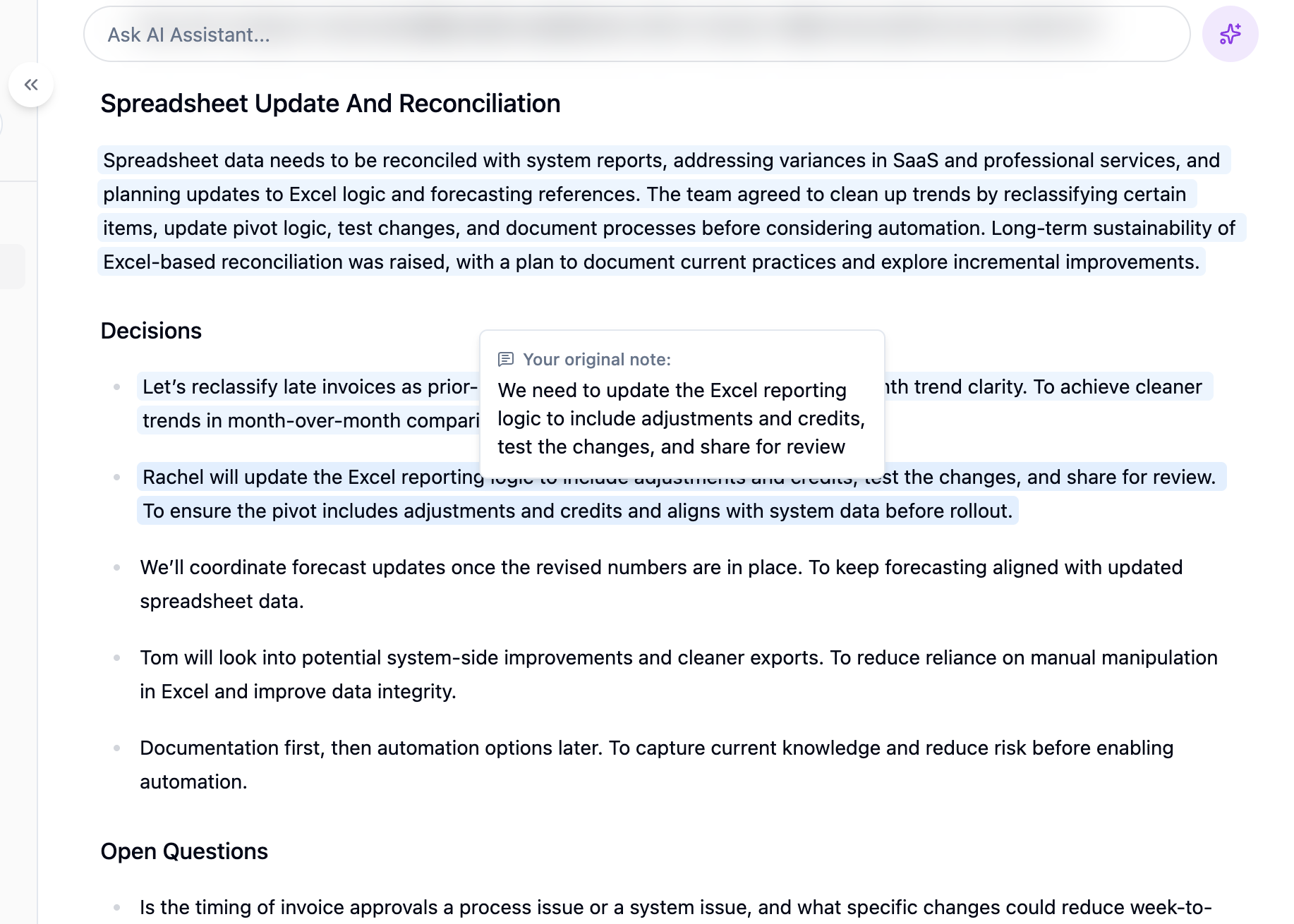
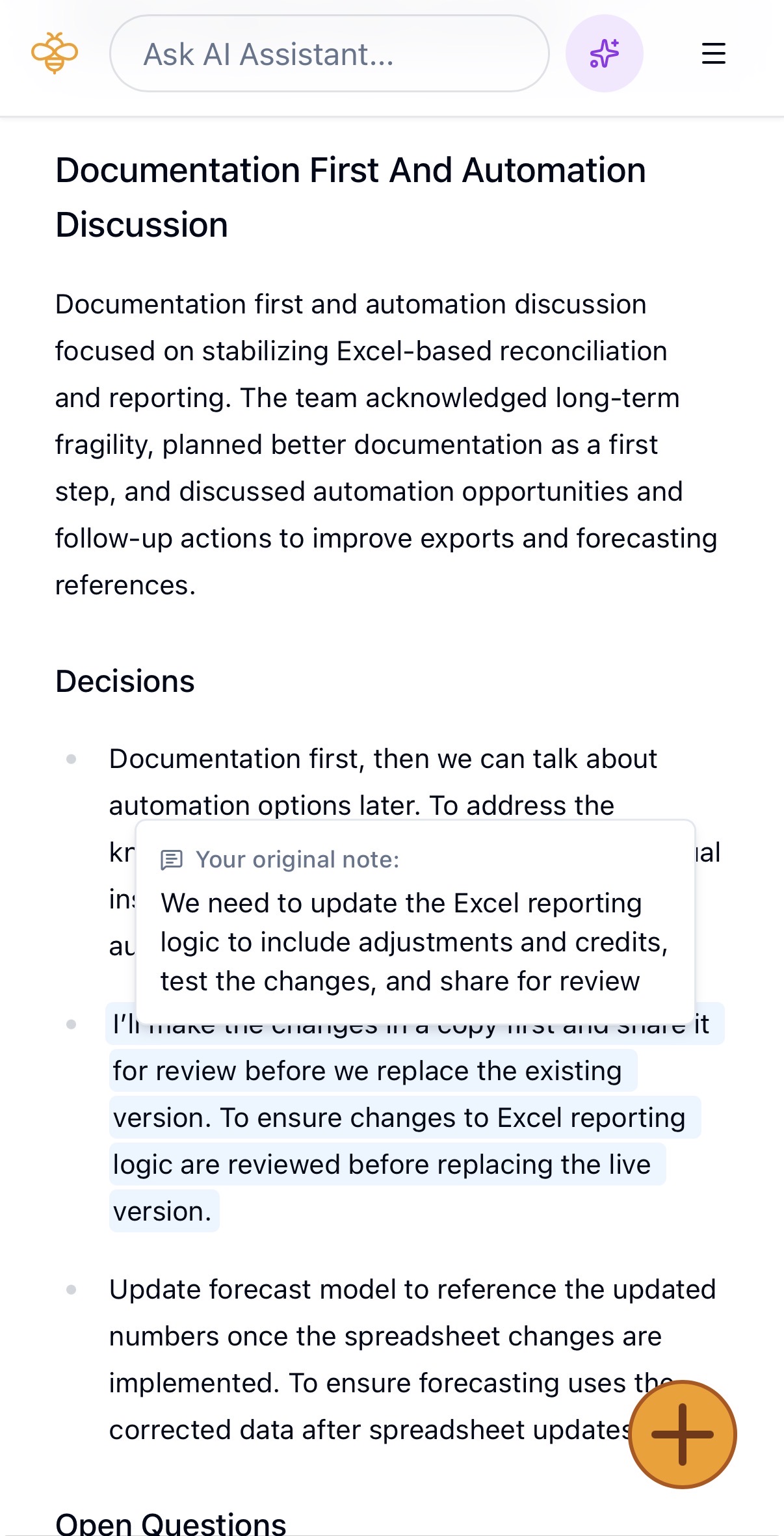
The person in the room knows what mattered, but I don’t want to be transcribing while someone is talking to me. So you write what you want, then stitch the AI’s version into it. Yours stays exactly as you left it, the AI fills in around it with the context you were too busy listening to capture. Same rule as the canvas. It can add, it can’t overwrite.
It makes things up
The assistant answers from what you’ve put in. Ask about something your workspace doesn’t cover and it tells you it doesn’t know, rather than producing something plausible.
You can’t see where it got that
Responses cite what they drew from, with a link straight to the source. Thin retrieval has nowhere to hide.
It doesn’t know what matters
Ask about a meeting and it starts there, then reaches into related meetings, documents, and thoughts as far as the question needs. Nobody should have to pick a scope before asking a question.
Version one recorded your meetings. It worked, and I removed it.
Recording on the same machine you’re working on is awkward, and it puts something live on your screen while you’re trying to pay attention to a person. People take meetings in wildly different ways, so any single recording flow is wrong for a third of them.
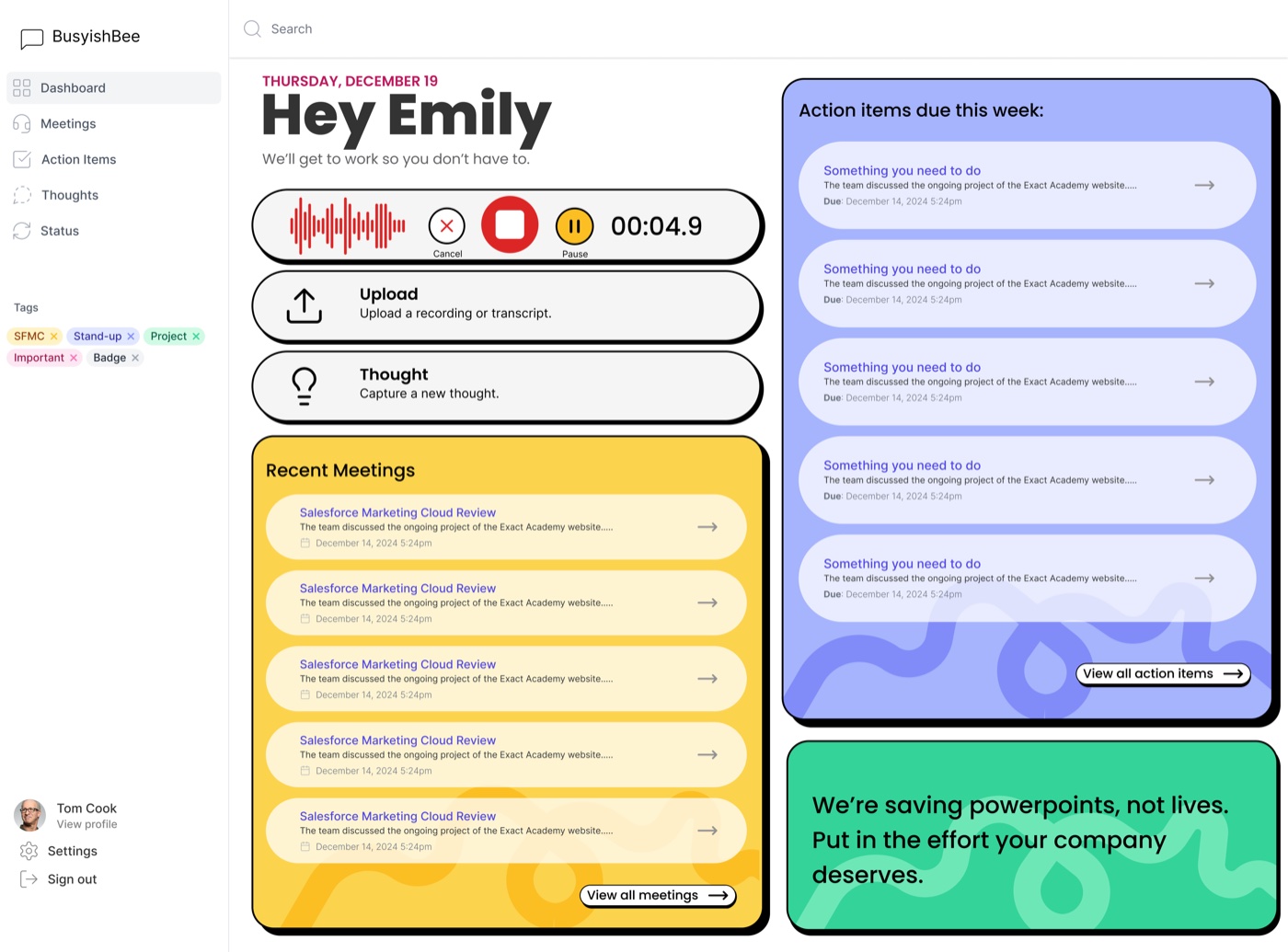
Five ways in replaced it. Upload a recording if you already have one, drop a transcript, paste text, scan paper notes, or type a thought in five seconds. Capture is the step people abandon, so there is no single right way to do it.
The first pipeline sent whole transcripts to the API. They were too big. Calls timed out, output came back inconsistent when it came back at all, and some of it failed silently, which is worse than failing loudly.
Chunking fixed it. Transcripts split on sentence boundaries with speaker turns kept whole, falling back through paragraph, word, and character splits when the text won’t cooperate. A chunk that cuts someone off mid-thought retrieves badly forever.
Then I rebuilt it two or three more times for speed, output quality, and consistency across runs. Every release is written down and dated.
Granola, Otter, and Fathom capture meetings well. They hand you a transcript and a summary and the job ends there.
BusyishBee treats the meeting as an input. Transcripts, documents, thoughts, and action items become one queryable body, and every answer says where it came from.
Private beta, free, a small group of people who aren’t me. The canvas is the part I’d defend. The agent underneath it is rough and I know it, and paper notes is an early pass at something I’ll come back to.
I built this early. The tools have moved a long way since, and the part I spent the most time on is the part the frontier labs now do better than I will. The agent experience is the product at Claude and ChatGPT, and releasing a weaker version of it is not a good use of anyone’s time.
If I pick this up again, the move is probably a connector rather than a rebuild. Keep the workspace, the grounding, the canvas, and the citations, and let the reasoning come from a model I didn’t have to write.
That’s a current opinion, not a postmortem. It still manages my notes and I still use it.
Inside the product
scroll →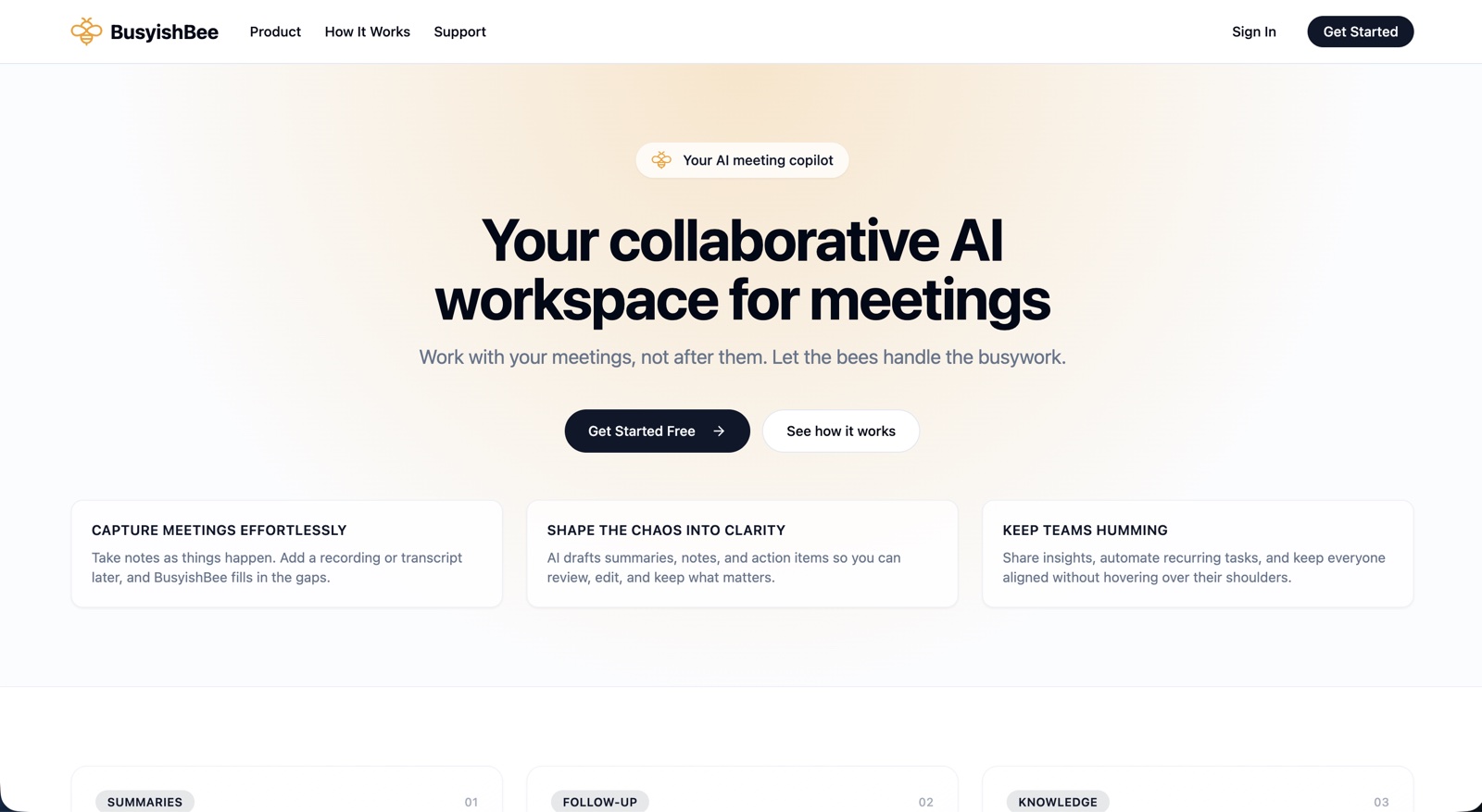
It does the busywork. You take the credit.
One project on the registry. Need the same thinking pointed at your product? Bring me into the work.